
← Back to Games
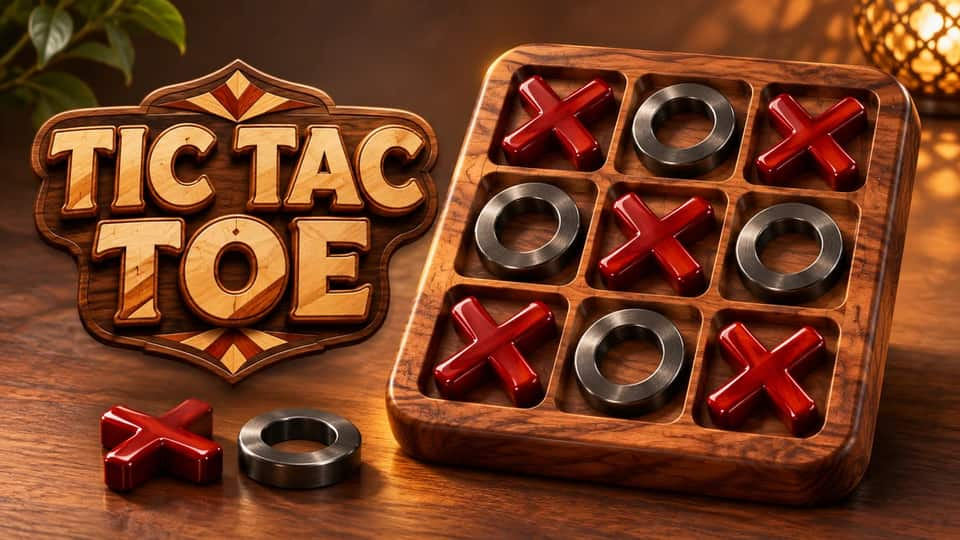

Tic Tac Toe
Tic Tac Toe
Click to start the game
About the Game
One room link puts the same tic tac toe board on both screens. Pick the board size, send the invitation to a friend and watch their moves appear as you play. You can play across two phones, a phone and a computer, or pass one device back and forth for a local two-player game.
Start with classic 3×3, where three marks in a row win. Want more room to set a trap? On the 5×5 and 7×7 boards, you need four in a row. Look for a square that gives you two ways to win on your next turn: your opponent can only block one.
Computer matches build your Score Point total. A win adds 3, a draw adds 1 and a loss leaves your total unchanged. Reach 45 to earn the game badge. Private matches with friends are just for fun.
How to Play
How to score and earn the badge
- Select “Play the computer” and choose a board size. You play X. Complete a line before the computer does.
- Each win adds 3 to your total. A draw adds 1, and a loss leaves your total unchanged. Two wins and a draw take you from 0 to 7.
- Reach a total of 45 against the computer to earn the Tic Tac Toe badge and its one-time reward of 15 points and 10 ScoreCoin. Fifteen wins get you there, or you can combine wins and draws.
- Matches against a friend are just for fun, both online and on the same device. They do not add to your badge total.
How to play online with a friend
- Select “Play a friend online” from the game menu.
- Choose 3×3, 5×5 or 7×7, then select “Create private room”.
- Select “Copy invitation” and send the link to your friend. They open it, start the game and select “Join room”.
- When you see “Your turn”, select an empty square. Your friend sees your mark and takes the next turn.
- Connect three on a 3×3 board, or four on either larger board. Horizontal, vertical and diagonal lines count. A full board with no winning line is a draw.
- For another round in the same room, both players select “Rematch”.
Score 45 points and earn
15 points
and
10 ScoreCoin
After reaching the score, you'll earn the game badge
After reaching the score, you'll earn the game badge





Leaderboard
Loading...